Quickstart
Last updated: February 8, 2026
Start collecting payments across the world in 1 minute. No code required.
1. Upload your brand logo
Go to Settings → Checkout
Upload your PNG/JPG (150×50px recommended)
Save
2. Create a Payment Link
Go to Payment Links
Click Create Payment Link
Select Instant Link as payment link type
Fill in the required fields:
Product name
Price
Description (optional)
Preview the checkout on the right
Publish
3. Share the link
Copy the link and send it to your customer.
The payment link adapts automatically:
Local currency (MXN, BRL, ARS, COP, PEN, CLP, USD)
Local payment methods (PIX, SPEI, local cards)
Browser language
Your customer pays. You settle in USD.
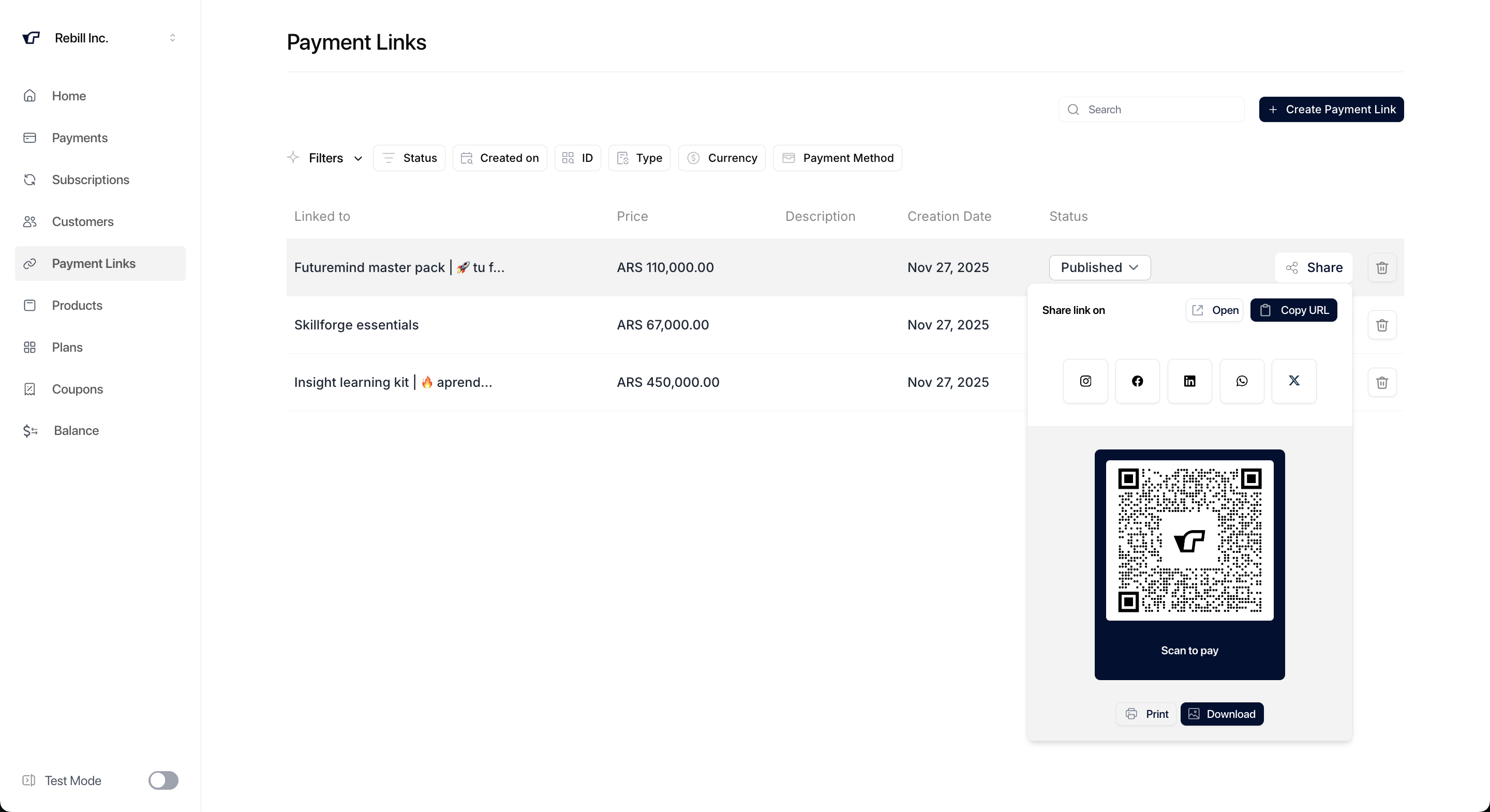
You're now collecting payments.
Want to customize your checkout? → See Advanced checkout settings
Need to integrate via API? → See API Reference
Want to collect recurring payments? → See Subscription Links